Ten guided routines
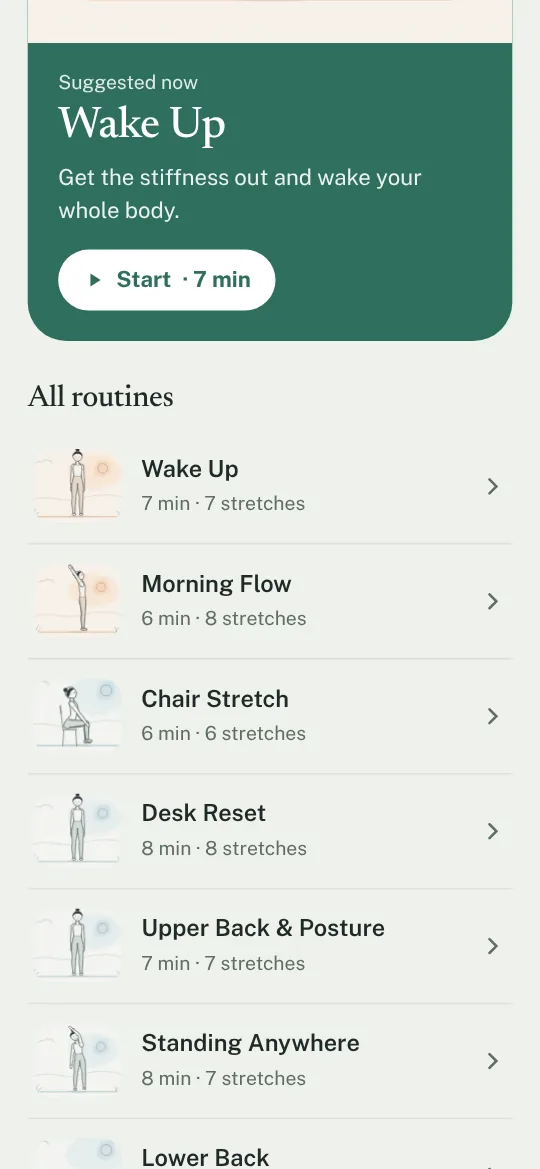
From Wake Up and Morning Flow to Desk Reset, Upper Back & Posture, Lower Back, Hips, Hamstrings and Wind Down. Chair Stretch needs no floor, and Standing Anywhere needs neither floor nor chair.
Free stretching app
A calm, simple stretching app. Build your own routines, see which muscles each stretch works, and move at your own pace.
No ads · No subscription · No account
No ads
Nothing to scroll past between stretches.
No subscription
Every feature is free, for everyone.
No streaks
No guilt, no badges, no reminders.
No account
Open it and start. Your routines stay on your device.
A look inside
Features
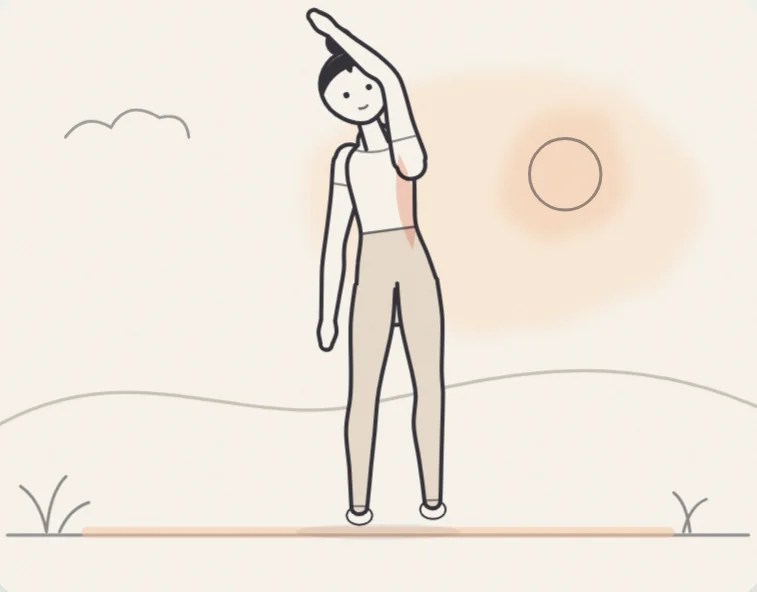
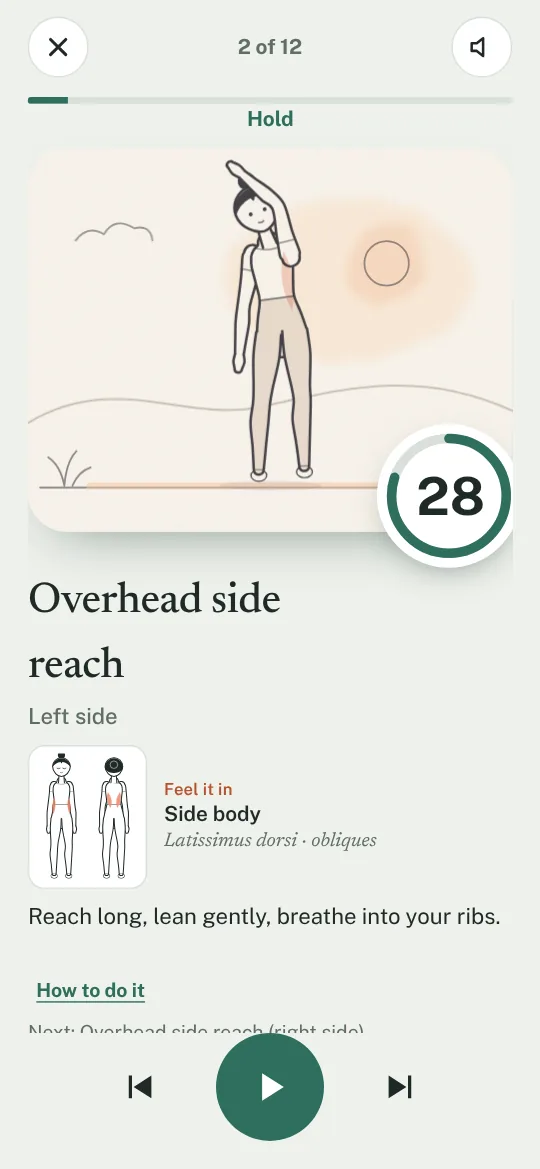
Every stretch comes with a clear fine-line illustration of the position and a body map of where you should feel it. No busy animation to distract you.
From Wake Up and Morning Flow to Desk Reset, Upper Back & Posture, Lower Back, Hips, Hamstrings and Wind Down. Chair Stretch needs no floor, and Standing Anywhere needs neither floor nor chair.
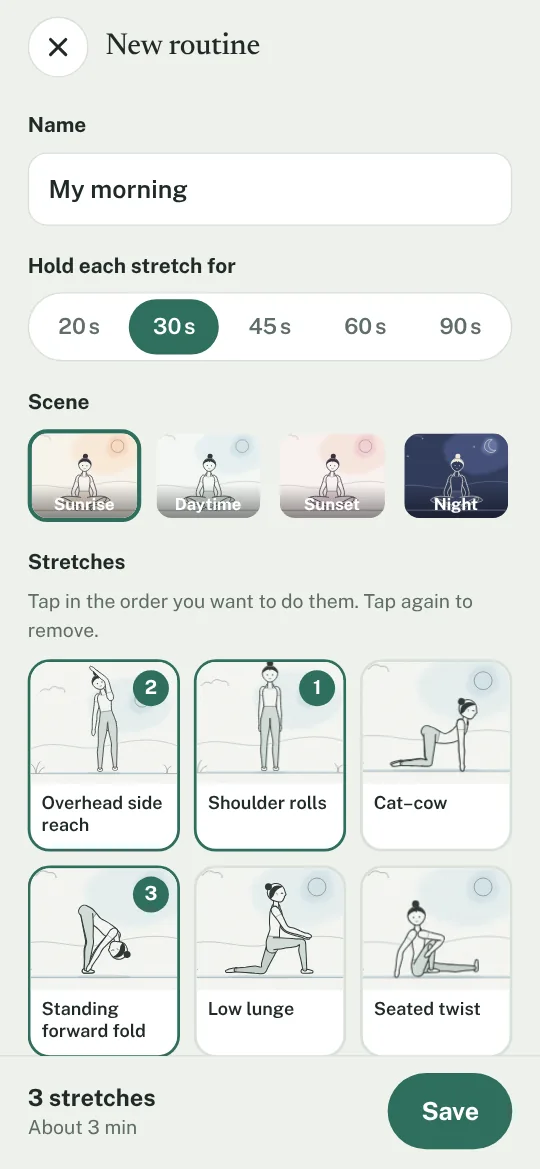
Pick stretches in the order you like, choose how long to hold them, and set the scene: sunrise, daytime, sunset or night.
See where you should feel each stretch on a front and back body map, with the names of the muscles it works.
Browse every stretch with step-by-step instructions and, where needed, extra-care notes, without starting a routine.
Holds from 20 to 90 seconds, 3 to 15 seconds to get into position, a little more when you change position. Soft marimba notes count down and tell you when to switch, so you don’t have to watch the timer.
English, Deutsch, Español, Français and Nederlands. Works offline and follows your device’s light or dark mode.
Install
StretchUp runs in your browser. Install it once and it opens like any other app, full screen, with its own icon.
FAQ
Yes. Every feature is free for everyone. There are no ads, no subscription and nothing to buy.
No. Open it and start. Your routines and settings are saved only on your device and never sent to us.
Yes. Once you have opened StretchUp, it keeps working without an internet connection.
The ten guided routines take between five and eight minutes. Your own routines are as long as the stretches you pick.
Any recent browser on Android, iPhone, iPad or computer. You can add it to your home screen so it opens like an app.
StretchUp gives general guidance and is not a medical device. Stretch gently and never into pain. If you have an injury, a health condition or are pregnant, ask a doctor or physiotherapist first.
StretchUp shows a safety note when you first open the app, and specific cautions on stretches that need extra care, for example with osteoporosis, glaucoma, high blood pressure, a hip replacement, a neck or shoulder injury, or during pregnancy. It offers general guidance and is not a medical device. Stretch gently, never into pain, and ask a doctor or physiotherapist first if you have an injury or a health condition.